
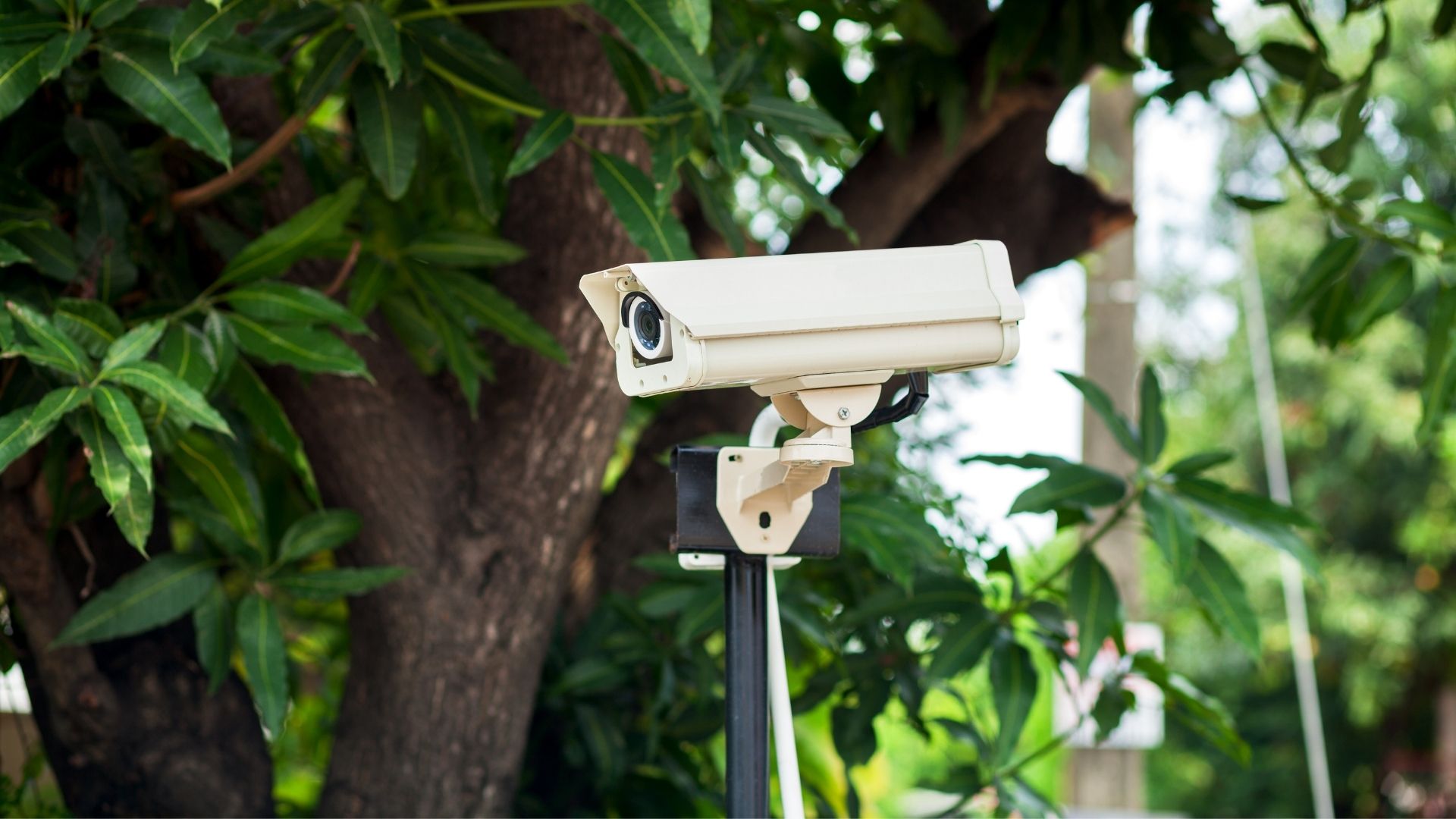
Camera Placing
In continuation of our educational blog series, this article aims to highlight the importance of locating your cameras to strategically align with their intended purpose.
The best position for a camera that is going to record activity and be used for evidential playback is not necessarily the best position for a camera that’s going to be monitored live with human detection and real-time alerts! Properly covering the premises and minimizing blind spots is only one consideration. In the following paragraphs, we’ll help you frame some thoughts to avoid the common mistakes made when designing camera coverage.
First and foremost, one needs to decide what the camera’s purpose is. If, for example, the purpose is to detect an intruder, the best position for the camera is not going to be on the building looking over a yard towards the perimeter fence. The camera should rather be located on the fence, looking straight along the length of the perimeter. This makes most use of the camera’s ability to detect people at distance and allows detection to happen before the suspect is even in the property.
There is a good reason all the best security estates have this design incorporated into their perimeter security!
With the cameras positioned on the building, looking across the yard towards the perimeter, not only is the camera limited to detecting someone once they are already inside the property, but it will also detect all the other people that might walk around the yard… and on a commercial premises, this may be a lot of people. Numerous unnecessary alarms would be generated which the monitoring centre will need to deal with, reducing the effectiveness of the whole system and driving up the cost, exactly the opposite of what you want!
Next, if we assume the cameras are positioned along the perimeter, it’s very important to realise that the cameras themselves are vulnerable to attack. You’ve just invested a lot of money in the security system and you should not leave things to chance… so, while they are protecting your perimeter, use each camera to also protect another camera. By linking the cameras’ views in this way, where each camera has at least one other camera in its view, we can detect anyone that might try to create a blind spot in the perimeter through the removal, tampering or destruction of a camera. When such activity is seen, it is obviously extremely suspicious and the monitoring centre can immediately initiate a rapid response. But if camera tampering is not detected, the suspect can move the camera out of position, create a blind-spot in the detection and slip into the property unnoticed. Fail!
There are occasions, however, where locating cameras along the perimeter of the property is just not practical. Perhaps the perimeter is too long to achieve full coverage within the specified budget. Perhaps it is too far from the buildings that house power and network infrastructure. Perhaps it’s too convoluted or there’s too much foliage. In these cases, it’s best to limit coverage to likely access points – entrance areas to the property or to the buildings where valuables/assets are kept. When doing so, it should always be borne in mind that the monitoring station’s operators want to see suspicious activity taking place. It’s not much good if the camera detects someone who’s already cracked the lock. Opening the door will look normal if you haven’t seen how they unlocked it in the first place! So, detection should happen in a way that allows an operator the best chance of seeing suspicious behaviour. Remember that they haven’t been to your premises, they don’t know you or your staff’s normal mannerisms and are unfamiliar with how your current security measures may work. If they see a well-dressed person walk through a gate, it will look normal.. unless they’ve seen that gate being derailed or the lock picked beforehand.
These are some of the basic rules when designing a camera system that’s intended for real-time detection and intrusion prevention. There are, however, often compromises that need to be made and each site has it’s own idiosyncrasies that can affect what the optimal design looks like. Please reach out to us at OmniVision for clear and meaningful guidance as early as possible in the design phase so we can help assist you to get the best possible result for your budget. Remember, we are installer and equipment agnostic – we make no money through camera sales or installations and can therefore provide pure, unbiased advice on what the best system might look like for you.

